


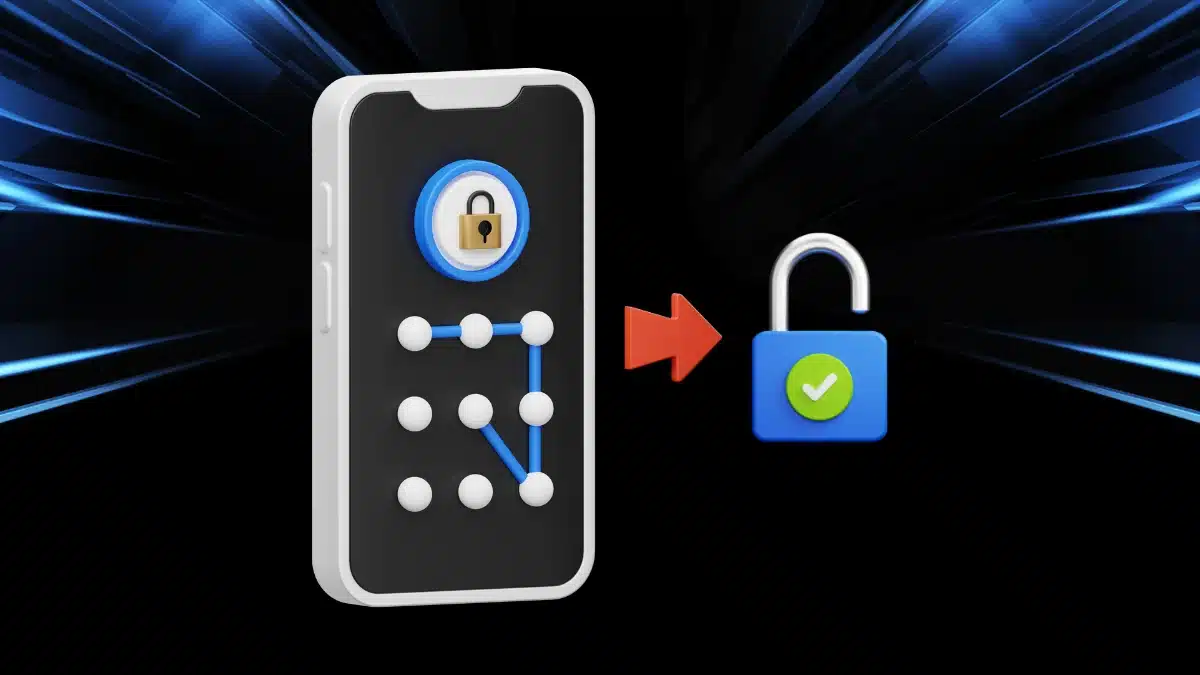
Key Takeaways:
Secure & Stylish: The Pattern Lock Screen App offers strong security with stunning wallpapers.
Easy Setup: Quickly enable the lock, set your pattern, and disable the default lock for smooth access.
Free & Reliable: Enjoy top-notch security with zero cost and no privacy concerns.
Have you ever worried about nosy friends or siblings sneaking into your phone? Well, I’ve got the perfect solution for you – the Pattern Lock Screen App.
This app doesn’t just keep your phone secure; it also makes your lock screen look super stylish. And guess what? You can grab it for free! Stick around while I walk you through its awesome features and how to use it.
What is the Pattern Lock Screen App?
Let me introduce you to the Pattern Lock Screen App, a simple yet powerful security tool for your Android phone. This app lets you create a unique pattern lock, making sure only you can access your phone.
But wait, there’s more! It also comes with a bunch of beautiful wallpapers, so your lock screen isn’t just secure – it looks amazing too. Plus, it shows the date and time, so you don’t have to unlock your phone just to check if you’re late for work (again).
The best part? It works on almost every Android phone and tablet. So, no matter what device you have, you’re covered!
Related: Take Full Control of Your Mobile Network with Force LTE Only (4G/5G) App!
Why Should You Use This App?
Now, you might be thinking, “Why do I need another lock screen app?” Well, here’s why:
- No more snooping! Your personal chats and selfies stay private.
- Your lock screen, your style. Choose from a variety of wallpapers.
- Super easy to use. Even your grandma could set it up.
- Works on almost any Android device. No compatibility issues!
- No data privacy worries. Your information stays with you, not with strangers.
Basically, if you want a mix of security and cool looks, this app is for you!
How Do You Use It? (Super Easy Guide!)
Alright, setting up this app is as easy as making instant noodles. Here’s what you need to do:
- Grab the app and install it on your phone (yes, it’s free!).
- Open it up and enable the pattern lock in the settings.
- Create your secret pattern by connecting at least four dots. (Make it tricky, not just a straight line!)
- Pick a wallpaper that matches your vibe.
- To avoid unlocking twice, disable your default lock screen in your phone settings.
- That’s it! Now, every time you unlock your phone, you’ll use your cool new pattern.
Easy, right? And trust me, once you try it, you’ll wonder how you ever lived without it.
Cool Features You’ll Love
This app isn’t just about security – it has some really cool features too:
- One-Tap Enable/Disable – Turn the lock on or off whenever you want.
- Wallpaper Heaven – Choose from stunning lock screen backgrounds.
- Date & Time Display – Because checking the time shouldn’t be a struggle.
- 100% Free – No hidden costs, just good vibes.
- High Security – Keeps unwanted guests out.
- No Privacy Nightmares – Your data stays yours, no shady stuff.
- Share with Friends – Because good things should be shared!
Sounds like a dream, right? Well, it’s real, and it’s right at your fingertips!
Why This App is a Must-Have
Still not convinced? Let me break it down for you:
- It’s FREE. No credit card needed, no annoying ads.
- It’s SECURE. No one gets into your phone unless you let them.
- It’s STYLISH. Your lock screen will look amazing.
- It’s EASY. No complicated setup – just grab, set, and use.
- It’s RELIABLE. Works on almost every Android device.
Honestly, this app is a no-brainer if you care about keeping your phone safe while looking good.
What Users Are Saying
I’ve seen tons of people using this app, and guess what? They love it!
- Some say they finally got rid of nosy roommates checking their messages.
- Others love how the wallpapers make their phones look fresh every day.
- A few have even said, “I finally feel like my phone is truly mine!”
Of course, some people wish for more wallpaper options (because we can never have enough choices, right?). But overall, the feedback is super positive!
A Few Things to Keep in Mind
Before you rush to grab this app, here are a couple of things to remember:
- Make sure to disable your phone’s default lock. Otherwise, you’ll have to unlock twice!
- Don’t forget your pattern. There’s no magic button if you forget it!
- Set a strong pattern. No lazy “L” shapes – be creative!
These little steps will make your experience even better!
Related: How to Fix Galaxy S25 Ultra Overheating While Charging (Proven Solutions!)
Final Thoughts – Should You Get It?
Absolutely, YES (Only if you want to). The Pattern Lock Screen App is a must-have if you love security, style, and simplicity. It keeps your data safe while making your phone look cool. Plus, it’s free, easy to use, and works on almost all Android devices.
So what are you waiting for? Grab it now and give your phone the security upgrade it deserves! And hey, if you love it, don’t forget to tell your friends – because good things are meant to be shared!
Disclaimer: Just a quick heads-up: This app is designed for personal security only. The developers do not collect, store, or misuse your data. Also, if you forget your pattern, recovery options may be limited. So, choose wisely and keep your phone secure the right way!
More Info: Here
e a true Tech Enthusiast and get all Unplux publications update’s early access by joining our Telegram Channel and WhatsApp Channel.


