


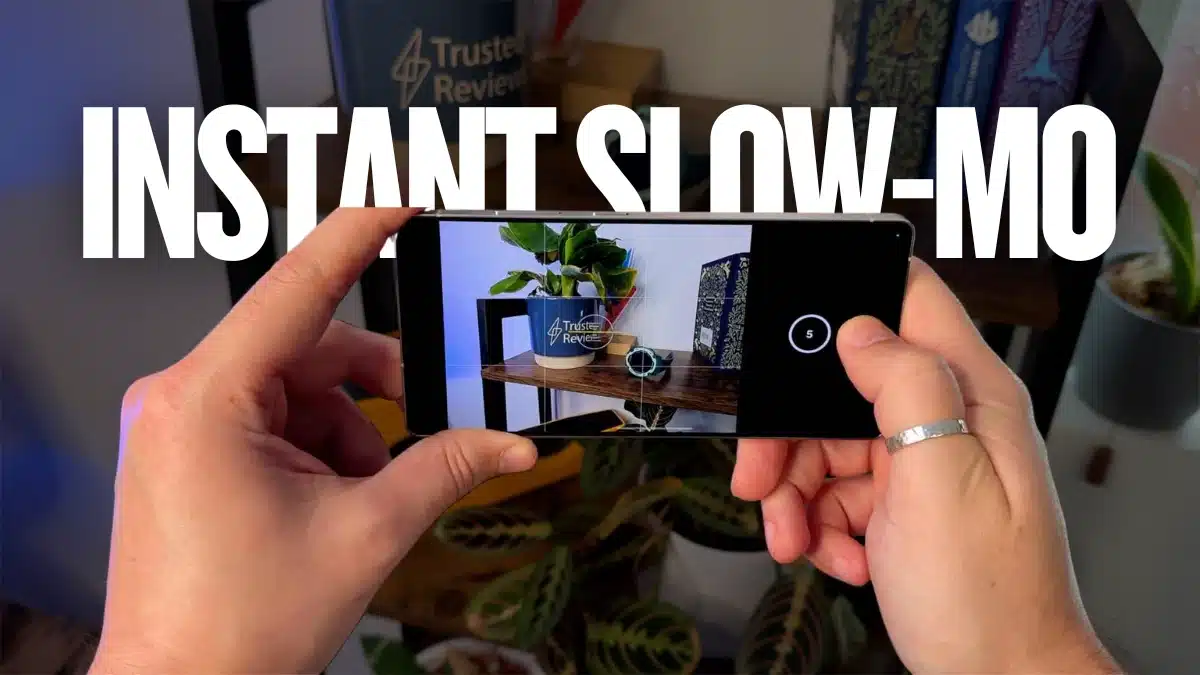
Key Takeaways:
- Instant Slow-Mo: Create slow-motion videos with a simple tap.
- No Extra Apps: Works directly in the Samsung Gallery app.
- Save & Share: Instantly save and share your slow-mo clips.
Ever wished you could slow down time? Well, Samsung just made it happen with Instant Slow-Mo feature on OneUI 7 with Samsung Galaxy S25. No, it won’t help you avoid Monday mornings, but it will make your videos look super cool!
The best part? No complicated editing, no special settings—just tap, hold, and boom! Slow-motion magic. If you have a Samsung Galaxy S25, S25 Plus, or S25 Ultra, you’re in for a treat. Let me show you how it works!
What is OneUI 7’s Instant Slow-Mo Feature?
Okay, so here’s the deal—Samsung’s Instant Slow-Mo feature lets you slow down any video, even if you didn’t record it in slow motion. Sounds like magic, isn’t it? Well, it kind of is, thanks to Galaxy AI.
This feature works directly in the Samsung Gallery app. All you have to do is play a video and tap and hold the screen. A soft flash appears, and suddenly, your video slows down, making everything look dramatic—perfect for action shots, pet zoomies, or even capturing that epic fall your friend had (for educational purposes, of course).
How to Use OneUI 7’s Instant Slow-Mo Feature on Samsung Galaxy S25?
Now, let’s get to the fun part—actually using this feature! It’s ridiculously simple, so don’t worry about any complicated steps.
Step 1: Record a Video
- Grab your Samsung Galaxy S25, S25 Plus, or S25 Ultra.
- Record anything—your pet running, a friend jumping, or your coffee spilling (for dramatic effect).
Step 2: Open the Gallery App
- Head over to the Samsung Gallery app.
- Pick any video you want to turn into a masterpiece.
Step 3: Activate Instant Slow-Mo
- Play the video and tap and hold anywhere on the screen.
- The screen will flash, and suddenly, everything is in slow motion!
- Lift your finger, and the video goes back to normal speed.
Step 4: Adjust the Slow-Mo Effect
- Hold for as long as you want that slow-motion effect.
- You can even adjust different parts of the video—no need to slow down everything (unless you really want to).
Step 5: Save the Slow-Mo Video
- Once you’re happy, a save option pops up.
- Tap it, and voilà! Your slow-motion clip is now saved as a separate video.
Step 6: Share Your Epic Creation
- Now, show off your new slow-motion skills!
- Share your masterpiece on WhatsApp, Instagram, or anywhere you like.
Why You’ll Love OneUI 7’s Instant Slow-Mo Feature
No Editing Headaches
- No need to download third-party apps or spend hours editing.
- Just tap, hold, and enjoy—it’s that simple.
Works on Any Video
- Didn’t record in slow motion? No problem!
- Works on new and old videos, as long as they’re in your Samsung Gallery.
AI Makes It Smooth
- The feature adds extra frames for that seamless slow-motion effect.
- No weird lag or choppiness—it’s all buttery smooth.
Super Fast & Fun
- Forget settings and menus—just tap and hold.
- You’ll feel like a director in Hollywood (but without the stress).
A Few Things to Keep in Mind
- Best with Galaxy Camera: Works best with videos recorded on Galaxy S25.
- Some videos might not work: Certain file types may not be supported.
- AI isn’t perfect: The effect depends on lighting and motion, so results may vary.
Instant Slow-Mo feature on OneUI 7 with Samsung Galaxy S25 makes slow-motion videos effortless. Now go on, give it a try—your social media followers will thank you!
Be a true Tech Enthusiast and get all Unplux publications update’s early access by joining our Telegram Channel and WhatsApp Channel.


